Running a production studio means managing a dozen moving parts at the same time. Rooms need to be booked. Equipment needs to be tracked. Clients need answers. Crews need schedules. Invoices need to go out. And none of it waits.
Studio management is the practice of coordinating all of these operations—scheduling, resources, equipment, finances, clients, and teams—so that a production studio runs efficiently, profitably, and without the daily chaos that burns out studio owners and managers.
This guide covers everything you need to understand and implement effective studio management in 2026, whether you run a single-room recording studio, a multi-stage film production facility, or a video production house handling dozens of projects a month.
What Is Studio Management?
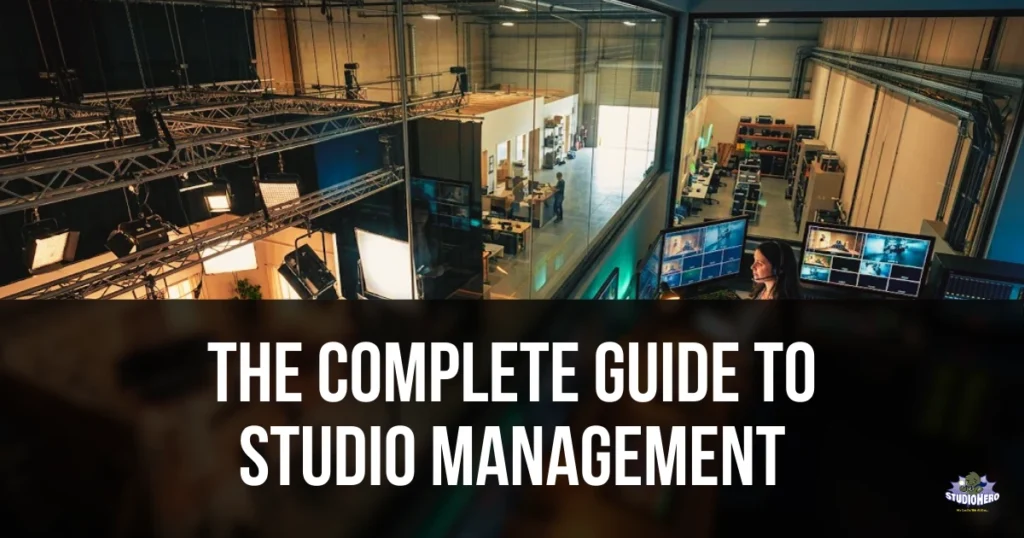
Studio management is the coordinated oversight of every operational, financial, and logistical function required to run a production studio.
That definition is broad on purpose. Studio management is not one task. It is the system that connects all tasks.
At its core, studio management covers the domains:
- Scheduling and booking — controlling who uses which space, when, and for how long
- Equipment and resource tracking — knowing where every asset is, who has it, and when it is available
- Project and production management — tracking every production from initial brief through final delivery
- Client and relationship management — managing communications, contracts, and client history
- Financial management — handling estimates, invoices, budgets, purchase orders, and revenue tracking
- Team and crew coordination — scheduling staff, assigning roles, and managing availability
When these domains work together, the studio operates smoothly. When even one breaks down, the problems cascade. A missed booking creates a scheduling conflict. A scheduling conflict delays a production. A delayed production pushes back an invoice. A late invoice damages the client relationship. And so on.
Studio management exists to prevent that cascade.
Related reading: What Is Studio Management? Definition, Scope & Importance
Why Studio Management Matters More in 2026
Studios have always needed management. But three shifts have made it more critical — and more complex — than ever.
Production Volume Is Up, Margins Are Tighter
The demand for content across streaming, social media, branded video, podcasting, and corporate communications has exploded. Studios are handling more projects per month than they did per quarter five years ago. But client budgets have not scaled proportionally. The result: studios need to process more work with tighter margins, which means operational efficiency is no longer optional.
Client Expectations Have Changed
Clients now expect real-time visibility into their project status, instant booking confirmations, professional invoicing, and clear communication. Studios still running on email threads, spreadsheets, and phone calls lose work to competitors who offer a smoother client experience.
Hybrid and Distributed Teams Are the Norm
Productions now involve freelance crews, remote editors, and multi-location shoots. A studio manager can no longer rely on walking down the hall to check on something. Systems need to be centralized, digital, and accessible from anywhere.
These pressures mean that studio management in 2026 is not just about keeping the lights on. It is about building an operational system that lets the studio scale without adding proportional overhead.
The Pillars of Studio Management
Every studio, regardless of size or industry, operates across these six domains. Let us break each one down.
1. Scheduling and Booking Management
Scheduling is the heartbeat of every production studio. If your calendar is wrong, everything downstream is wrong.
Studio scheduling involves:
- Room and space booking — allocating studios, stages, control rooms, editing suites, and any physical space to specific projects or clients
- Session scheduling — defining start times, end times, setup windows, and teardown buffers
- Recurring bookings — handling clients or productions that require the same space on a regular basis
- Conflict prevention — ensuring no double bookings, no overlapping sessions, and no resource collisions
- Calendar visibility — giving staff, managers, and optionally clients real-time visibility into what is booked and what is available
- Self-service booking — allowing clients to view availability and request or confirm bookings without back-and-forth emails
The most common scheduling problems studios face:
| Problem | Root Cause | Impact |
| Double bookings | No centralized calendar | Client anger, lost revenue, wasted crew time |
| Underutilized rooms | No visibility into open slots | Revenue left on the table |
| Last-minute cancellations | No cancellation policy enforced | Empty slots with no time to rebook |
| Scheduling by email/text | No system of record | Lost messages, conflicting confirmations |
| No buffer time between sessions | Scheduling too tightly | Equipment not reset, next client walks into mess |
A studio that solves scheduling solves roughly 40 percent of its operational problems. Everything else becomes easier when you know who is where, when, and with what.
Read more about: The Ultimate Guide to Studio Scheduling & Booking
2. Equipment and Resource Management
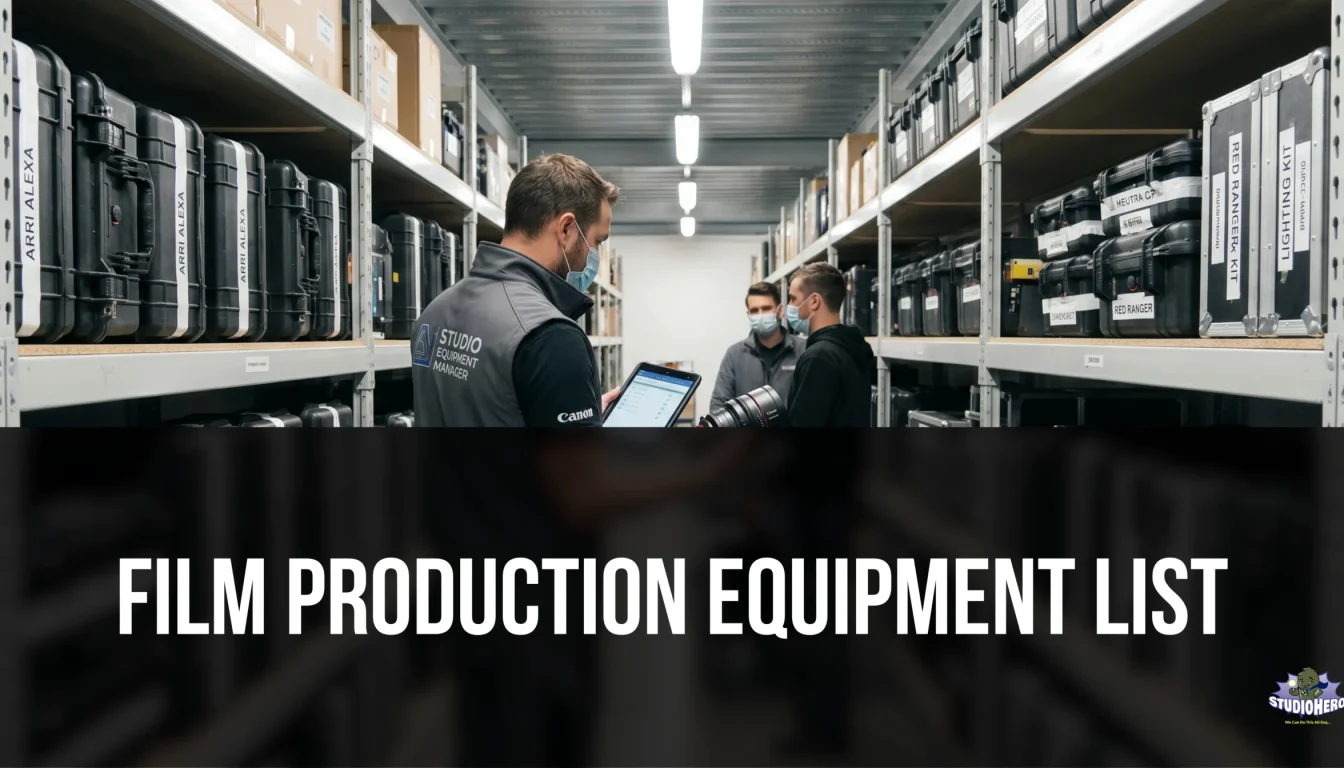
A production studio’s equipment is its second-largest investment after the physical space itself. Cameras, lenses, microphones, lighting kits, monitors, mixing consoles, cables, stands, hard drives — the list runs long, and losing track of any item creates real problems.
Effective equipment management means:
- Asset inventory — a complete, up-to-date catalog of every piece of equipment the studio owns, including serial numbers, purchase dates, condition, and location
- Checkout and return tracking — knowing who has which piece of gear, when they took it, and when it is due back
- Availability visibility — being able to see at a glance which equipment is available for upcoming sessions or productions
- Maintenance scheduling — tracking when equipment needs servicing, calibration, firmware updates, or replacement
- Depreciation tracking — understanding the financial value of assets over time for accounting and tax purposes
- Utilization reporting — identifying which equipment is heavily used (and may need backup inventory) versus which equipment sits idle (and may not justify the investment)
Studios that manage equipment well avoid three expensive problems: unnecessary rental costs (renting gear they already own but cannot find), production delays (equipment not ready when needed), and premature replacement (gear that breaks down because maintenance was skipped).
Read more about: Studio Equipment Management: The Complete Guide
3. Project and Production Management
Every production that moves through a studio is a project. It has a start date, a delivery date, a set of tasks, assigned people, required resources, and a budget. Managing these projects is the third pillar.
Production management within a studio context includes:
- Project intake and setup — capturing the client brief, defining scope, setting milestones
- Phase tracking — monitoring where a production is in its lifecycle (pre-production, production, post-production, delivery)
- Task assignment — breaking the production into tasks and assigning them to specific people with deadlines
- Status visibility — providing a clear, real-time view of where every active project stands
- Deliverable tracking — ensuring every output (edited video, mixed audio, final master) is accounted for and delivered
- Timeline management — identifying delays early and adjusting schedules before they cascade
The difference between a studio that manages projects well and one that does not is visible in one metric: on-time delivery rate. Studios with structured project management consistently deliver on time. Studios without it are in perpetual firefighting mode.
4. Client and Relationship Management
Studios are service businesses. The client relationship determines whether a studio gets one project or fifty from the same account.
Client management for studios includes:
- Contact and company records — a centralized database of every client, their contacts, communication history, and project history
- Communication logging — tracking emails, calls, and notes so any team member can pick up a client conversation without asking “what did we discuss last time?”
- Proposal and contract management — creating estimates, sending proposals, managing contract versions, and tracking approvals
- Client portal access — giving clients a way to log in and see their project status, upcoming bookings, and invoices without calling or emailing the studio
- Satisfaction tracking — following up after project delivery to capture feedback and identify upsell opportunities
Studios often underestimate the value of this pillar. They focus on the creative work and treat client management as administrative overhead. But the studios that grow consistently are the ones where the client experience feels as polished as the production work.
5. Financial Management
A studio can be busy every day of the week and still lose money. Financial management is the pillar that ensures activity translates into profitability.
Studio financial management covers:
- Estimating and quoting — building accurate estimates before work begins, including studio time, equipment, crew, and any external costs
- Invoicing — generating professional invoices tied to specific projects, sending them on time, and tracking payment status
- Purchase orders — managing outgoing spend for rentals, freelancers, supplies, and services
- Budget tracking — comparing actual costs against estimates on every project to identify overruns before they become losses
- Revenue reporting — understanding monthly, quarterly, and annual revenue by client, project type, studio room, and service line
- Accounts receivable — tracking outstanding invoices, aging reports, and payment follow-ups
- Integration with accounting — syncing financial data with tools like QuickBooks Online so the books are always current without double entry
The most important financial metric for most studios is project profitability — did the studio make money on each individual project after accounting for all direct costs? Without project-level financial tracking, a studio can have strong top-line revenue and still be unprofitable because a handful of underpriced or over-serviced projects erode the margins.
Read more about: Studio Management Costs: The Complete Breakdown
6. Team and Crew Coordination
The final pillar covers the people who make the work happen. In-house staff, freelance crew, engineers, editors, producers, and studio assistants all need to be coordinated.
Team management in a studio includes:
- Staff scheduling — managing shifts, availability, time off, and overtime for full-time team members
- Crew booking — finding, booking, and confirming freelance crew for specific productions
- Role assignment — making sure every production has the right people in the right roles
- Communication — distributing call sheets, session details, and updates to everyone involved in a production
- Skills and qualifications tracking — knowing which team members are certified on specific equipment, trained in specific workflows, or experienced in specific production types
- Workload visibility — preventing burnout by seeing who is overloaded and who has capacity
Studios that manage teams well retain talent. Studios that do not find themselves constantly hiring because people leave for more organized operations.
Read more about: Production Team Management: Structure, Roles & Workflows
Studio Management by Industry
The studio management pillars apply universally, but the emphasis shifts depending on the type of studio.
Film and Video Production Studios
Emphasis on: project lifecycle management, equipment tracking (large gear inventories), crew coordination (large teams), and production budgeting. Projects are longer, teams are bigger, and the financial stakes per production are higher.
Film Studio Management Guide
Recording and Audio Post-Production Studios
Emphasis on: session scheduling (hourly blocks), room booking (multiple rooms with different acoustic profiles), equipment management (consoles, microphones, outboard gear), and recurring client management (artists and labels who book regularly).
Recording Studio Management Guide
TV and Broadcast Studios
Emphasis on: tight scheduling (broadcast deadlines are immovable), multi-studio coordination, crew scheduling (union rules, shift requirements), and rapid turnaround workflows.
TV & Broadcast Studio Management Guide
Podcast Studios
Emphasis on: room booking (multiple podcast suites), client self-service booking, simple invoicing (standardized pricing), and equipment management (microphones, interfaces, recording setups).
Podcast Studio Management Guide
Photography Studios
Emphasis on: booking management (sessions are typically half-day or full-day), equipment and prop tracking, client management (direct-to-consumer model), and simple invoicing.
Photography Studio Management Guide
Post-Production Facilities
Emphasis on: project management (editing, color, VFX, sound design across multiple rooms), media asset management, version control, and team scheduling across edit suites.
Post-Production Facility Management Guide
Studio Management for Different Studio Sizes
Solo Operators and Indie Studios (1 to 3 People)
At this size, the studio owner is the studio manager. The challenge is not complexity but bandwidth. The owner is simultaneously the producer, the engineer, the bookkeeper, and the client manager.
What matters most at this stage:
- A single system that handles booking, invoicing, and client records so nothing falls through the cracks
- Templates for estimates, invoices, and contracts to avoid rebuilding documents from scratch
- A calendar that is the single source of truth for all studio activity
The biggest mistake indie studios make is saying “I’ll organize this when we grow.” That moment never arrives naturally. Disorganization scales faster than the studio does. The habits and systems established at this stage determine whether growth brings more revenue or just more chaos.
Small to Mid-Size Studios (4 to 20 People)
At this size, the studio likely has a dedicated studio manager or operations lead. Multiple rooms are in use. Several projects overlap. Freelance crew supplements full-time staff.
What matters most at this stage:
- Centralized scheduling across all rooms and resources
- Equipment tracking that is not dependent on one person’s memory
- Financial management at the project level, not just the studio level
- Clear workflows and SOPs so the operation does not depend on any single person
The biggest risk at this stage is the “key person dependency” — where the studio manager holds all the operational knowledge in their head. If they get sick, take a vacation, or leave, the studio grinds to a halt. Systems need to exist outside of any individual.
Enterprise and Multi-Site Studios (20+ People, Multiple Locations)
At this size, studio management becomes organizational management. Multiple facilities, dozens of concurrent productions, complex financial reporting, compliance requirements, and distributed teams all add layers.
What matters most at this stage:
- A single platform with multi-site visibility and control
- Role-based access so different teams see what they need without being overwhelmed
- Advanced reporting for utilization, revenue, profitability, and resource allocation across locations
- Integration with enterprise systems (SSO, ERP, accounting platforms)
- Standardized processes enforced by the system, not by memos
How to Evaluate Your Current Studio Management
Before building or changing systems, you need to know where you stand. Use this diagnostic framework:
The Studio Management Maturity Model
| Level | Name | Characteristics |
| Level 1 | Reactive | No systems. Everything is managed through memory, texts, and scattered spreadsheets. Problems are solved after they happen. |
| Level 2 | Organized | Basic tools in place — a shared calendar, a spreadsheet for tracking equipment, a template for invoices. Better than Level 1, but tools are disconnected. |
| Level 3 | Systematized | Dedicated studio management software connects scheduling, equipment, clients, and finances. Workflows are defined. Most operations run through the system. |
| Level 4 | Optimized | Data-driven decisions. Utilization rates, project profitability, and revenue trends are tracked and used to make operational changes. Continuous improvement. |
| Level 5 | Scalable | Systems support growth without proportional headcount increases. New rooms, locations, or service lines can be added without rebuilding operations. |
Most studios reading this guide are at Level 1 or Level 2. The goal of studio management is to reach Level 3 as quickly as possible, then progressively move toward Level 4 and 5.
Quick Self-Assessment
Ask yourself these ten questions. Every “no” represents a gap:
- Can you see every booking across every room in one view right now?
- Do you know the exact location and status of every piece of equipment?
- Can a new team member understand your studio operations without shadowing someone for a week?
- Do you know the profitability of your last ten projects?
- Can a client check their project status without calling or emailing you?
- Is your invoicing connected to your project records?
- Do you have a written process for handling new client inquiries?
- Can you tell which studio room generates the most revenue?
- Do you track equipment maintenance on a schedule?
- If your studio manager left tomorrow, could someone else run operations by Monday?
If you answered “no” to five or more, your studio management system needs significant improvement.
Take it further: Studio Management Checklist: Daily, Weekly, Monthly Tasks
Studio Management Best Practices
After working with studios across film, TV, audio, video, and photography, patterns emerge. The studios that run best share these practices:
1. Single Source of Truth
Every piece of operational data — bookings, client records, equipment status, invoices — lives in one system. Not across five tools, not in someone’s inbox. One system.
2. Process Before Tools
Define how work should flow before choosing software. A tool automates a process. If there is no process, the tool just digitizes chaos.
3. Schedule Everything, Including Buffer Time
Every booking includes setup and teardown time. No back-to-back sessions without buffers. This one practice eliminates more frustration than any other.
4. Track Financials at the Project Level
Studio-level P&L is not enough. You need to know which projects make money and which lose money, so you can adjust pricing, scope, or both.
5. Document Your SOPs
Write down how your studio handles bookings, client intake, equipment checkout, invoicing, and project delivery. When it is written, it is trainable. When it is in someone’s head, it is fragile.
6. Review Metrics Monthly
Utilization rates, revenue per room, on-time delivery rate, average project profitability — review these monthly. Not annually. Monthly.
7. Give Clients Visibility
A client portal or regular status updates reduce “where are we on this?” emails by 80 percent. Less chasing means more producing.
8. Maintain Equipment Proactively
Scheduled maintenance prevents emergency repairs. Emergency repairs cause production delays. Production delays damage client relationships.
Full breakdown: Studio Management Best Practices That Actually Work
Choosing Studio Management Software
At some point, every growing studio hits the limit of spreadsheets, shared calendars, and disconnected tools. That is when purpose-built studio management software becomes necessary.
When evaluating software, consider these criteria:
Must-Have Features
- Centralized scheduling across all rooms and resources
- Equipment and asset tracking with checkout/return functionality
- Client management with contact records and communication history
- Invoicing and financial tracking tied to projects
- Project management with milestones, tasks, and status tracking
- Reporting and analytics for utilization, revenue, and profitability
- Calendar integration with Google Calendar, Outlook, or iCal
- Accounting integration with QuickBooks Online or similar
Important Considerations
- Built for production studios, not generic project management. Tools like Monday.com, Asana, and Trello are excellent for general project management, but they lack studio-specific features like room booking, equipment tracking, and production scheduling. A purpose-built tool understands studio workflows out of the box.
- Scales with your studio. The software should work for your current size and still work when you double.
- Implementation and onboarding. How long does it take to get running? Is there hands-on support or are you on your own?
- Data migration. Can you bring your existing client, project, and financial data into the new system?
Check How to Choose Studio Management Software in 2026, and How Much Does Studio Management Software Cost?
Common Studio Management Mistakes
Avoid these. Each one costs real money and time:
1. Managing by Memory
“I know the schedule” works until it does not. One forgotten booking, one double-booked room, and the cost exceeds the price of a proper system for the entire year.
2. Treating Every Client the Same
A one-time podcast client and a recurring network series require different workflows, pricing, and attention. Segment your clients and tailor your operations.
3. Ignoring Utilization Data
If you do not know your studio’s utilization rate, you cannot improve it. Most studios are shocked to learn their rooms are utilized at 40 to 60 percent when they feel busy every day. The feeling of being busy and the reality of being utilized are different things.
4. Underpricing Studio Time
Studios frequently set rates based on what competitors charge rather than what their actual costs require. Calculate your true cost per hour — including rent, utilities, equipment depreciation, insurance, and staff — before setting prices.
Related: How to Price Studio Rental Time
5. No Cancellation or Late Payment Policy
Without a written, enforced cancellation policy, studios absorb the cost of no-shows. Without late payment terms, cash flow becomes unpredictable. These policies are not adversarial. They are professional.
6. Keeping Financial Data Separate from Operations
When invoicing lives in one system, project tracking in another, and scheduling in a third, nobody has a complete picture. Financial data needs to connect to the operations that generate it.
Full breakdown: 15 Studio Management Challenges and How to Solve Them
The Future of Studio Management
Several trends are shaping where studio management is heading:
AI-Assisted Scheduling
Intelligent scheduling that considers room capabilities, equipment requirements, crew availability, and client preferences to suggest optimal booking configurations. Not replacing studio managers, but reducing the time spent on scheduling logistics.
Predictive Utilization
Using historical data to forecast busy periods, identify likely cancellations, and suggest overbooking strategies (similar to how hotels and airlines manage capacity).
Integrated Media Asset Management
As studios handle more digital assets (raw footage, audio files, graphics, final deliverables), the line between studio management and media asset management is blurring. Expect tighter integration.
Client Self-Service Expansion
Beyond booking, clients will increasingly expect self-service access to project status, file delivery, invoice history, and communication logs — all through a branded portal.
Virtual Production Integration
With the rise of LED volume stages and real-time rendering, studio management will need to account for virtual production assets, Unreal Engine project files, and mixed-reality stage scheduling.
Related: Studio Management Trends, Technology & What’s Changing in 2026
How to Get Started with Studio Management
If you have read this far, you understand what studio management involves and why it matters. Here is how to act on it:
If You Are at Level 1 (Reactive)
- Write down every operational process your studio currently performs — even if the process is just “I handle it”
- Identify the three areas causing the most pain (usually scheduling, equipment tracking, or invoicing)
- Solve those three areas first, even with simple tools
- Read the Studio Management Checklist and start implementing daily and weekly routines
If You Are at Level 2 (Organized but Disconnected)
- Map every tool you currently use and what it handles
- Identify where data is duplicated or disconnected between tools
- Evaluate whether a unified studio management platform would eliminate the gaps
- Schedule a demo to see what a consolidated system looks like for your specific studio type
If You Are at Level 3+ (Systematized and Growing)
- Focus on optimization — start tracking KPIs monthly (Studio Management KPIs guide)
- Review project profitability data and adjust pricing or scoping
- Build SOPs for every repeatable process (Studio SOPs Guide)
- Plan for scale — multi-room, multi-site, or additional service lines
Frequently Asked Questions
A studio manager oversees the daily operations of a production studio, including scheduling, equipment management, client coordination, staff management, and financial oversight. In smaller studios, this role is often handled by the owner. In larger facilities, it is a dedicated position. Read the full Studio Manager role guide.
Studio management software typically ranges from $100 to $500+ per month, depending on the number of users, rooms, and features required. Enterprise multi-site licenses are priced custom. Read the full cost breakdown.
Yes. Purpose-built studio management software replaces spreadsheets for scheduling, equipment tracking, client management, and invoicing — while connecting all of these functions in a single system. See the full comparison.
The best option depends on your studio type, size, and workflows. For production studios across film, TV, audio, and video, Studio Hero is designed specifically for the way studios operate. See the full comparison of options.
Track utilization rates by room, identify patterns in unused time slots, implement self-service booking to reduce friction, offer off-peak pricing, and enforce cancellation policies. Read the Studio KPIs guide for the metrics to track.
Related but different. Studio management focuses on the facility — the rooms, equipment, scheduling, and operations of the physical studio. Production management focuses on the project — the creative workflow, deliverables, team, and timeline. A studio management platform handles both. Read the full production management guide.
Summary
Studio management is the operational backbone of every production studio. It spans scheduling, equipment, projects, clients, finances, and teams. Without it, studios survive on memory and heroics. With it, studios run predictably, profitably, and scalably.
The studios that win in 2026 are not the ones with the best gear or the biggest spaces. They are the ones with the best systems.
Start with the studio management segments. Assess where you are on the maturity model. Fix the biggest gaps first. And build toward a studio that runs as professionally behind the scenes as the work it produces on screen and in the speakers.
Studio Hero is studio management software built for film, TV, audio, video, podcast, and photography production studios. See pricing or book a free demo.